
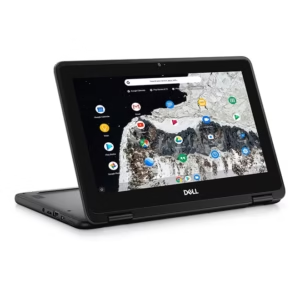
3100
Specifications
| Processor Speed | 1.2 GHz |
| Internal Memory | 32 GB |
| Screen Size | 11.6 in |
| Colour Name | Black |
| Keyboard Language | English |
| Display Resolution Type | HD |
| Storage Type | eMMC |
| Operating System | Chrome OS |
| Usage Type | Personal |
| Product Height | 20.79 cm |
| Number of Cores | Dual Core |
| RAM Type | LPDDR4 |
| External Graphics | Integrated |
| What’s In The Box | AC Adapter & Laptop |
| Model Number | 3100 2in1 |
| HDMI Output | no |
| SD Card Slot | Yes |
| Processor Version | Celeron N4020 |
| RAM Size | 4 GB |
| Product Weight | 1.41 KG |
| Display Resolution | 1366×768 |
| Laptop Weight | 1 – 1.4 Kg |
| Display Type | LED |
| Average Battery Life | 4 Hours |
| Operating System Version | Chrome OS |
| Grade | Max |
| Product Length | 30.39 cm |
| Product Width | 2.8 cm |
| Wireless | Wireless |
| Processor Version Number/Generation | N4020 |
| Graphic Memory | 0 GB |
| Features | Built In Speaker, Bluetooth, Multi-Touch |
| Model Name | Chromebook 3100 2in1 |
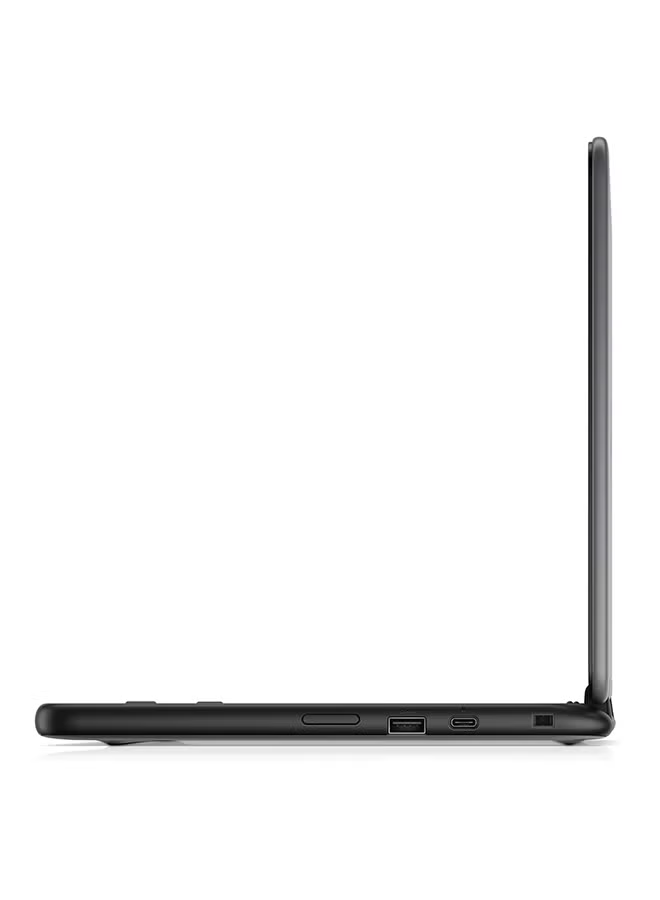
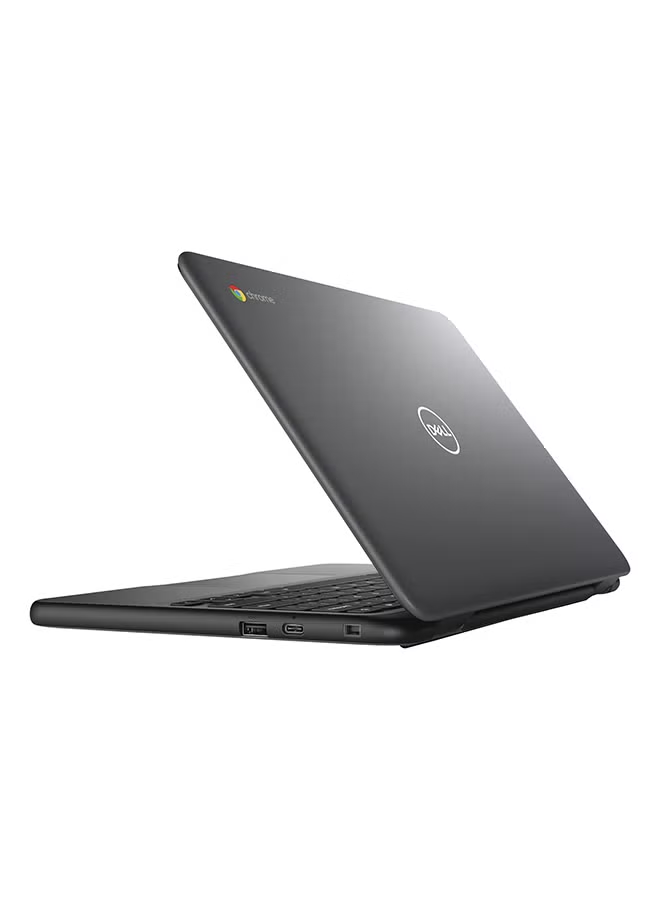
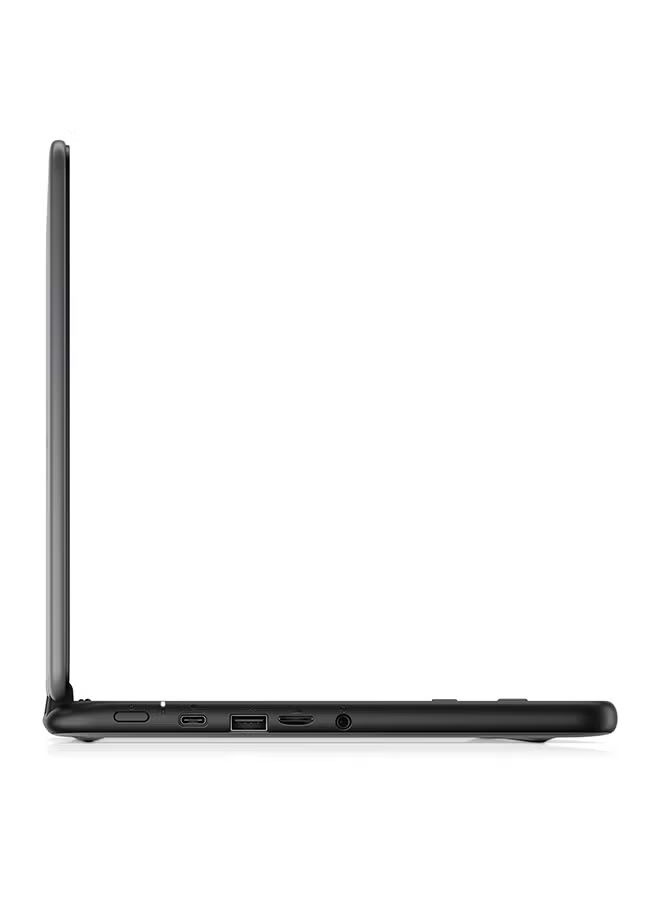
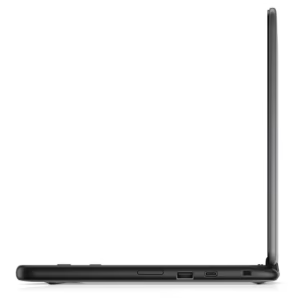
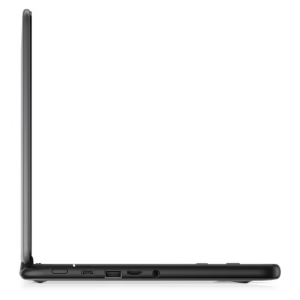
| Number of USB Ports | 4 |
Amazon
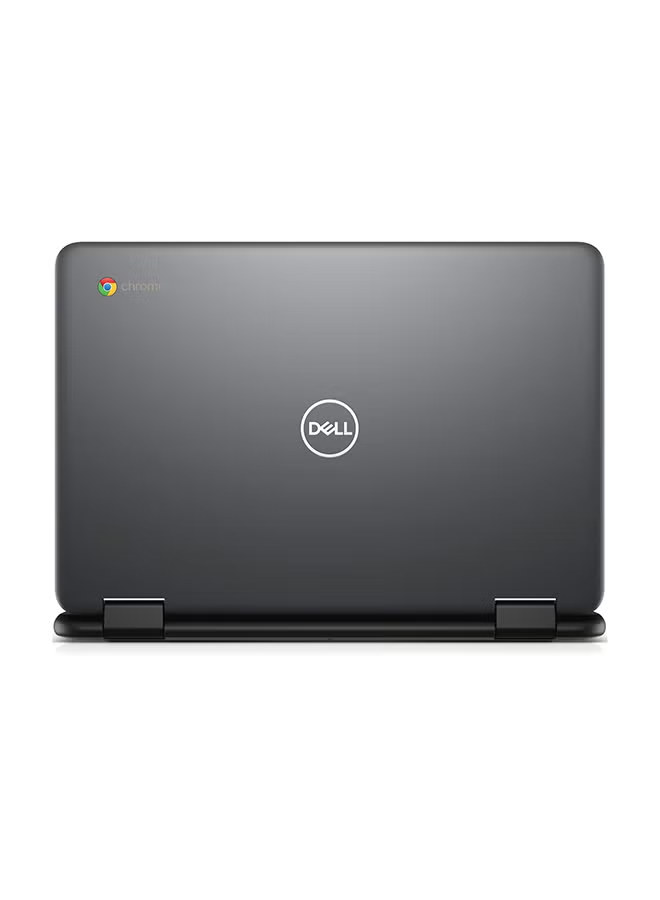
Dell Chromebook 3100 2-in-1: Ultimate Versatility for Work and Play
Experience the freedom of a device that adapts to your needs. The Dell Chromebook 3100 2-in-1 is designed for those who need a flexible, reliable, and highly portable laptop. With its unique 360-degree hinge, you can effortlessly transition from a traditional laptop for typing to a tablet for reading or a stand for streaming, making it the perfect companion for students, professionals, and creatives alike.
Key Features
-
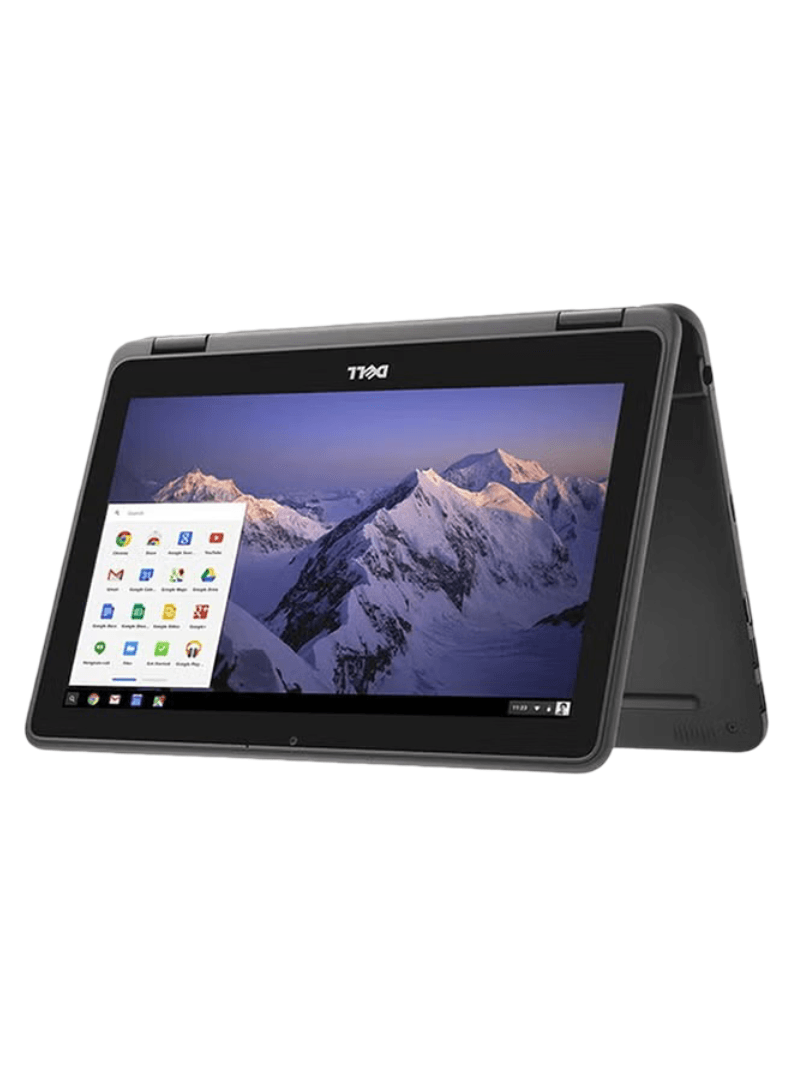
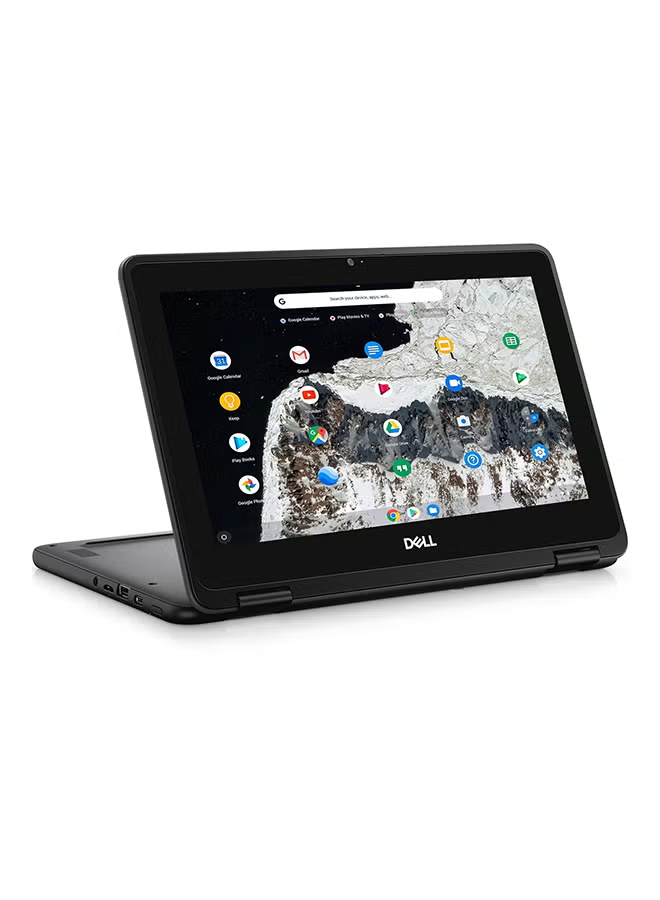
360-Degree Versatility: Seamlessly switch between laptop, tablet, tent, and stand modes. The intuitive 11.6-inch touchscreen provides a fluid, tactile experience for browsing, drawing, or presenting.
-
Built for Durability: Dell has engineered the 3100 with a rugged, spill-resistant keyboard and rubberized edges, ensuring it can handle the accidental bumps and drops of a busy, on-the-go lifestyle.
-
Efficient Performance: Powered by the Intel Celeron N4020 processor and 4GB of RAM, this Chromebook delivers snappy performance for multitasking, web-based applications, and streaming content.
-
Seamless ChromeOS Experience: Enjoy the simplicity and speed of ChromeOS. With automatic updates and built-in virus protection, your device stays fast, secure, and up-to-date without any extra effort.
-
Optimized Connectivity: Equipped with essential ports and long-lasting battery life, this 2-in-1 is built to keep you connected and productive throughout your school day or work shift.
Technical Specifications
| Feature | Specification |
| Model | Dell Chromebook 3100 2-in-1 |
| Display | 11.6″ HD Touchscreen |
| Processor | Intel Celeron N4020 |
| Memory | 4GB RAM |
| Storage | 32GB eMMC |
| Graphics | Intel UHD Graphics |
| Operating System | ChromeOS |
| Color | Black |
Dell Chromebook 3100 2-in-1: Adaptability Meets Durability
The Dell Chromebook 3100 2-in-1 is a masterclass in flexible computing. Engineered for students and mobile professionals who require a device that can keep up with a demanding schedule, this Chromebook moves beyond the traditional laptop form factor. Its 360-degree hinge allows you to transition effortlessly between tasks, whether you are typing a report in laptop mode, watching a training video in tent mode, or using the touchscreen to annotate notes in tablet mode.
-
Ruggedized for Real Life: We know that life can be unpredictable. The Dell 3100 is built with a spill-resistant keyboard and rubberized, impact-resistant edges, making it one of the most durable educational-grade laptops on the market.
-
Intuitive Touch Interface: The 11.6-inch touchscreen is highly responsive, turning your laptop into an interactive canvas. Perfect for educational apps, navigating web pages, and creative projects that benefit from tactile input.
Versatile Modes for Every Situation
-
Laptop Mode: Ideal for traditional work, writing long-form documents, and efficient email management.
-
Tablet Mode: Perfect for reading digital textbooks, browsing articles, or playing interactive learning games.
-
Tent & Stand Modes: The best ways to share your screen during group projects or to watch videos hands-free in tight spaces like an airplane tray table or a crowded study desk.


Reviews
There are no reviews yet.